 DTechnology DTechnology – Software Tutorials, Game Tips and Reviews
So a few days ago I decided to update my Android Studio to the 3.0 version.This update bring lot of update and new features and also have a better performance (in my experience).One of those update is The Android Plugin for Gradle 3.0.0.The Android Plugin for Gradle 3.0.0 is a major upgrade that brings significant performance improvements to large multi-module projects. In order to bring about these improvements, there are some breaking changes in the plugin behavior, DSL, and APIs. And because of those changes, we have to know some of the new command that replace the older one.
When I try to refresh my gradle, I found lot of error in my console.
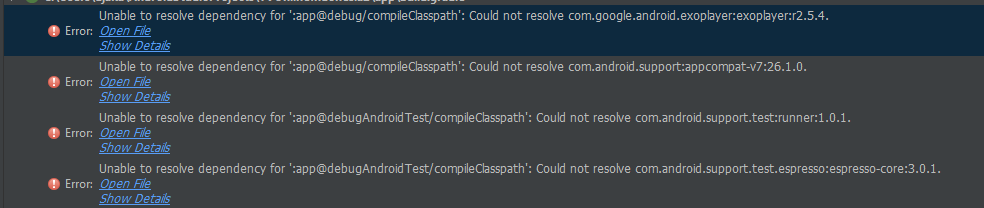
So I read Migrate to Android Plugin for Gradle 3.0.0 and I found the issue.The problem is I didn’t change my gradle command to the new updated command.
Here’s How to fix Unable to Resolve Dependency In Android Studio 3.0 :
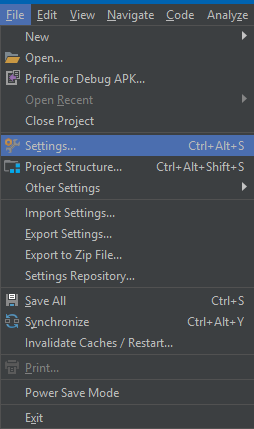
1. Open your project, click File > Settings
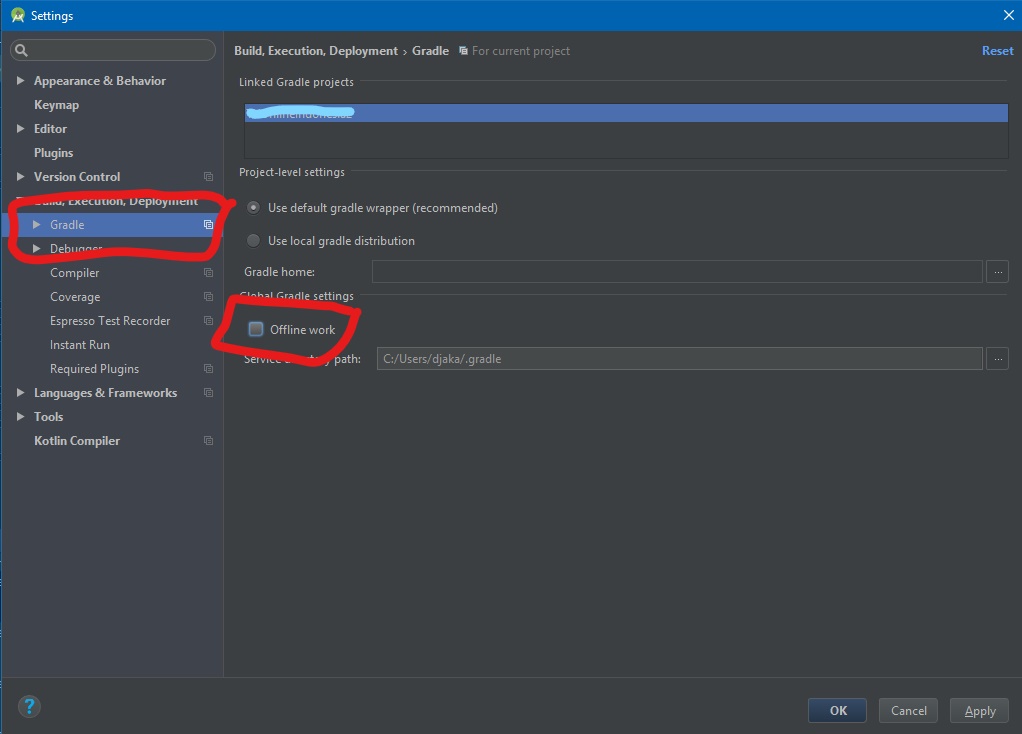
2. Go to Gradle section and make sure Offline Work is unchecked then click OK
3. Go to your Gradle Scripts>build.gradle(Module: app)
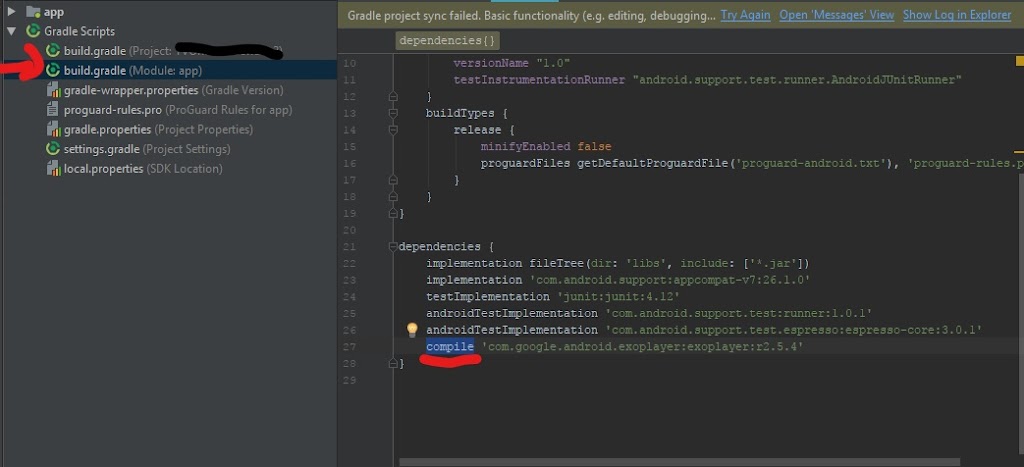
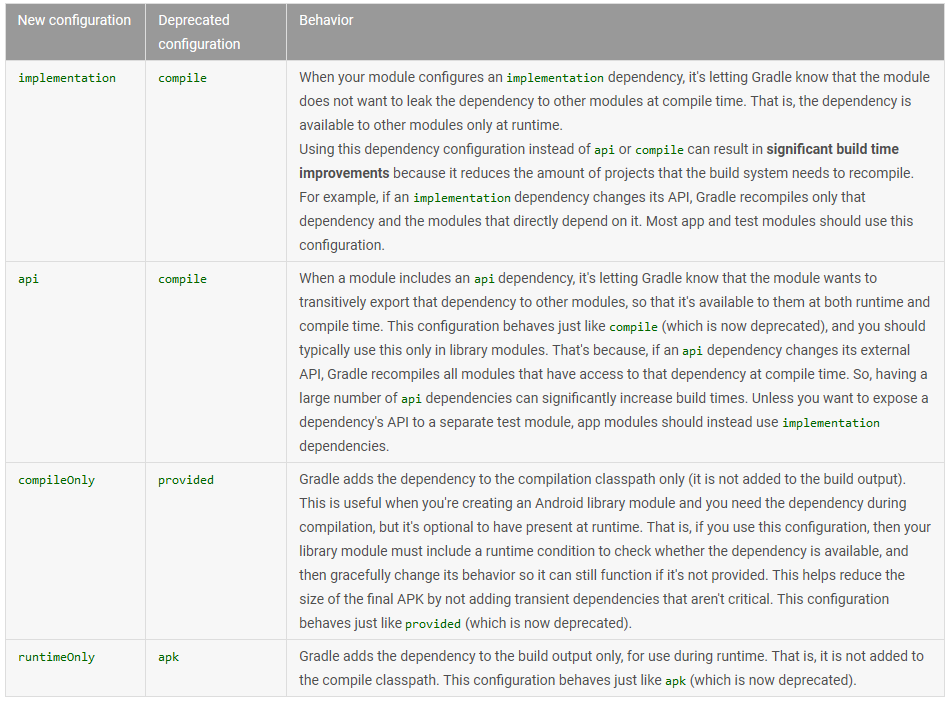
4. Change compile to implement or api change it depend on your needs, in my case I’ll need implement and for detailed information which one you have to choose, you can see table below or go to Android Studio Official Guide
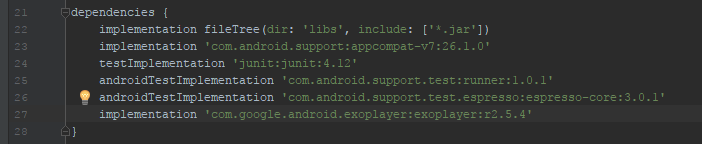
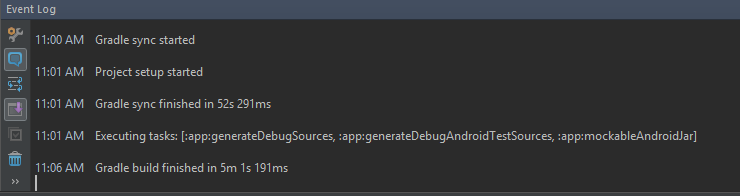
5. Click that refresh button to rebuild your Gradle to check it out
Thanks for visiting my blog !!!
If you have any suggestion or need help, chat me or leave a comment below 😀