 DTechnology DTechnology – Software Tutorials, Game Tips and Reviews
Last year,I already posted how to downlaod from youtube with SlimBrowser,but this time you can choose between video and audio,so you dont need to convert it from your computer or something else.Let’s check this out!!
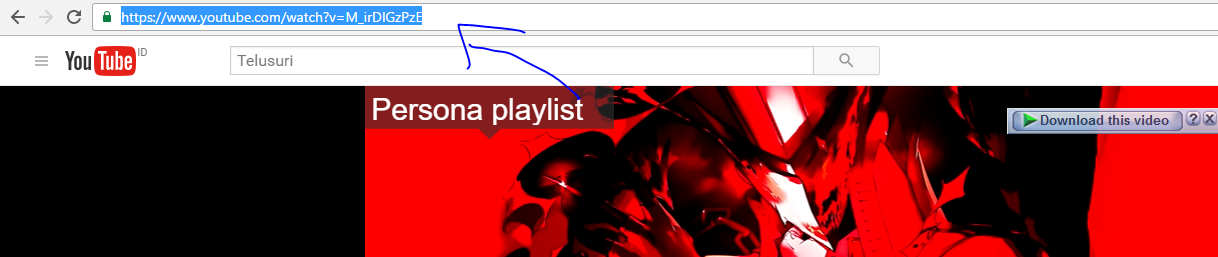
- Choose video you want to downlaod,for example I will download Persona 5 soundtrack by the way I love persona it have great gameplay and story.Copy video link from your browser

-
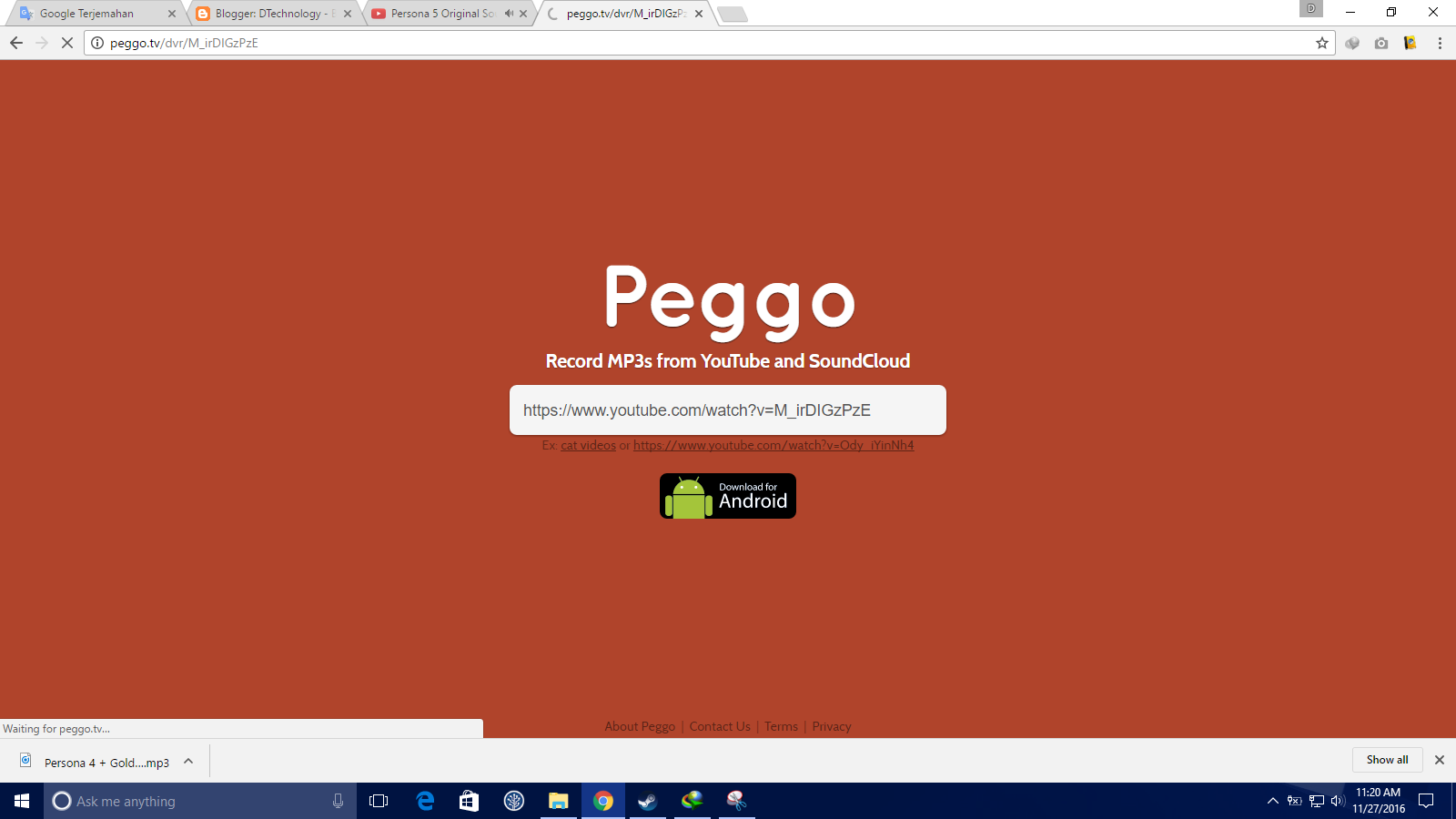
Open Peggo.tv and paste link

-
You’ll be reffered to this page
-
Setting as you want

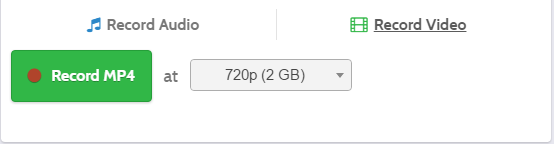
Make sure you choose Record Audio if you want to downlaod audio and choose Record Video if you want to download video
If you choose Record Audio,it should be like this

If you choose Record Video,it should be like this

-
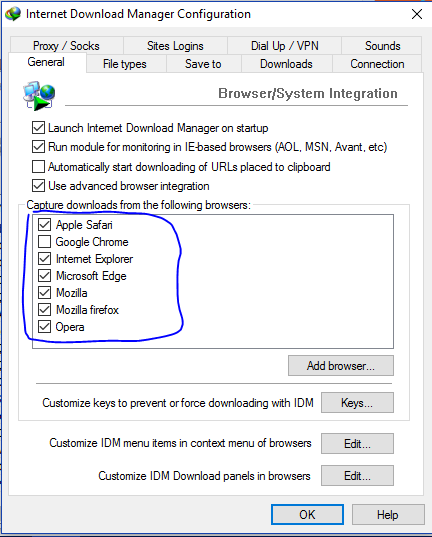
Disable your download manager,some download manager is incompatible with this site
For example,I used IDM so I can turned it off or just uncheck my browser from setting like this
-
Click Record,it will start download video

Done !!!