 DTechnology DTechnology – Software Tutorials, Game Tips and Reviews
 New Mine Imator version is released with shadow improvement and other feature,but before you activate your MI,the render or animation will have watermark like this :
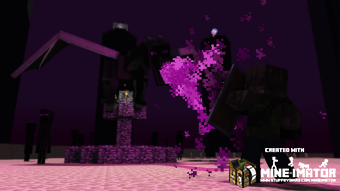
Its very easy to remove the watermark,follow this steps :
Steps :
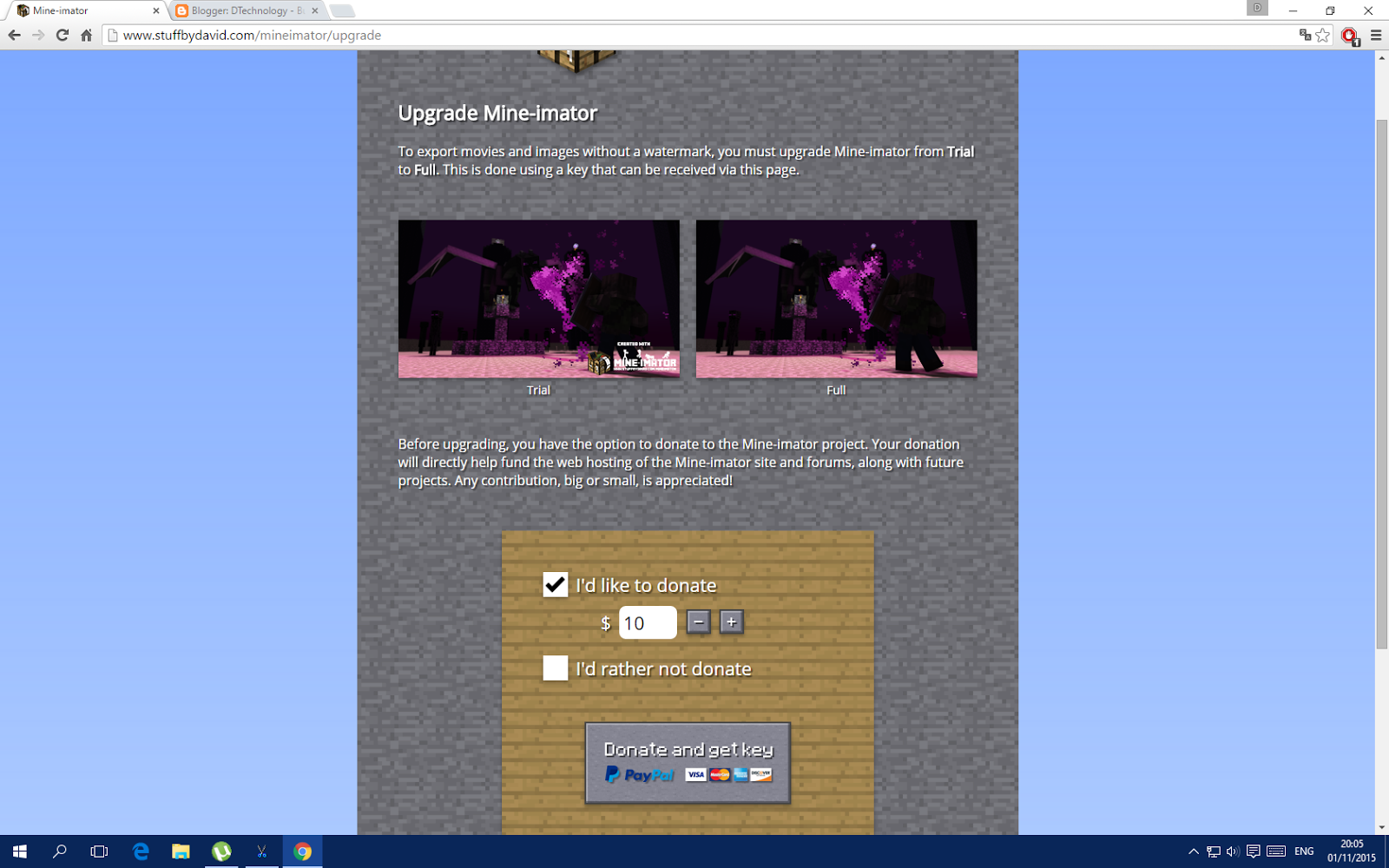
- Visit this page
- If you have money and you want to support the developer of Mine Imator click Donate and get key (If you wont donate,skip this step)

- Check I’d rather not donate then click Get Key
- Then your key will appear on pop up and copy your code
- Open Mine Imator
- Click Upgrade
- Paste your code then click continue
- Finish!!Now your Mine Imator is fully activated (Legal) and your render or animation will free from watermarks!!!
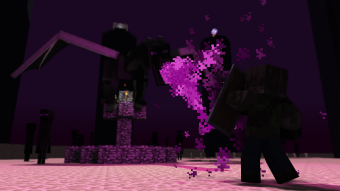
 Test Animation without watermark


Lagi2 nyari2 iseng Eh ketemu blok eneh :V
-KIZI :v
Thanks,, That is Work.. 😀
Njer :v
Your Welcome 😀
Hahaha Aneh
Thanks!.(This does not get me captured though right? O-O)
Dont worry,I got this from their official web xD