 DTechnology DTechnology – Software Tutorials, Game Tips and Reviews
 If you dont know how to show subtittle in PlayboxHD,Follow this tutorial :
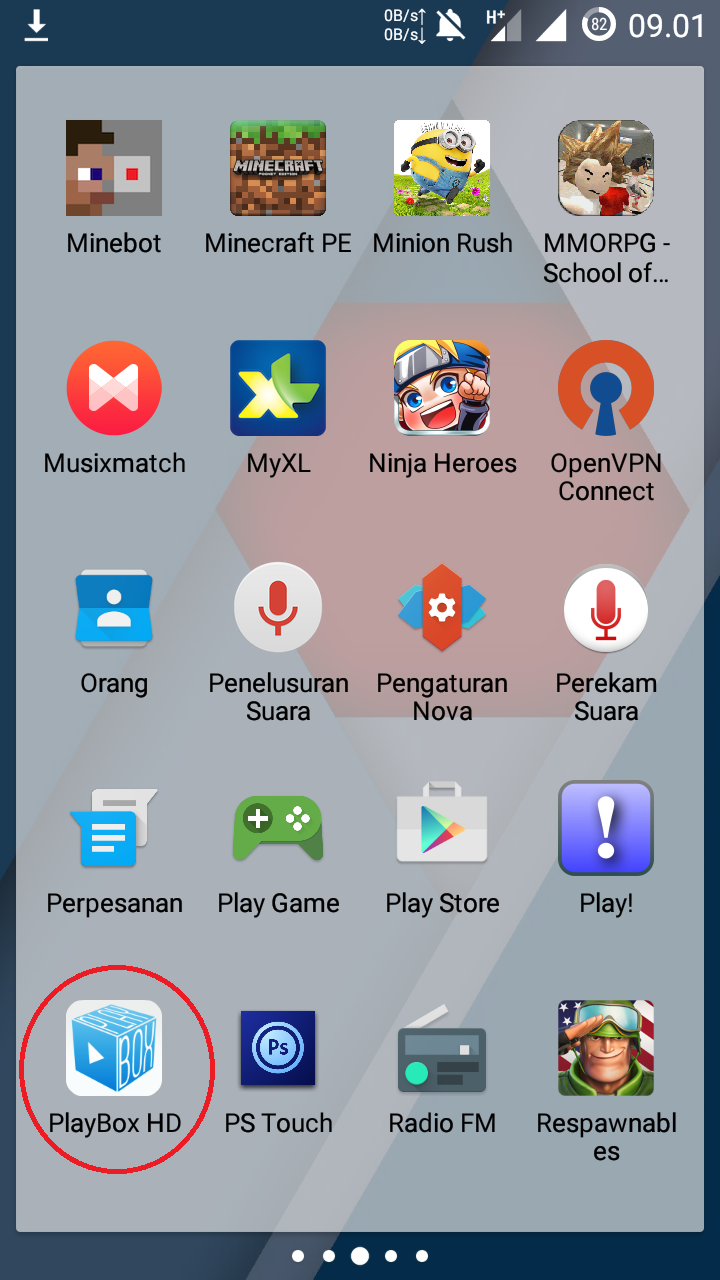
- Open PlayBoxHD

- Choose Movie

- Wait till Movie loaded (You can Choose Qualty of the video here)
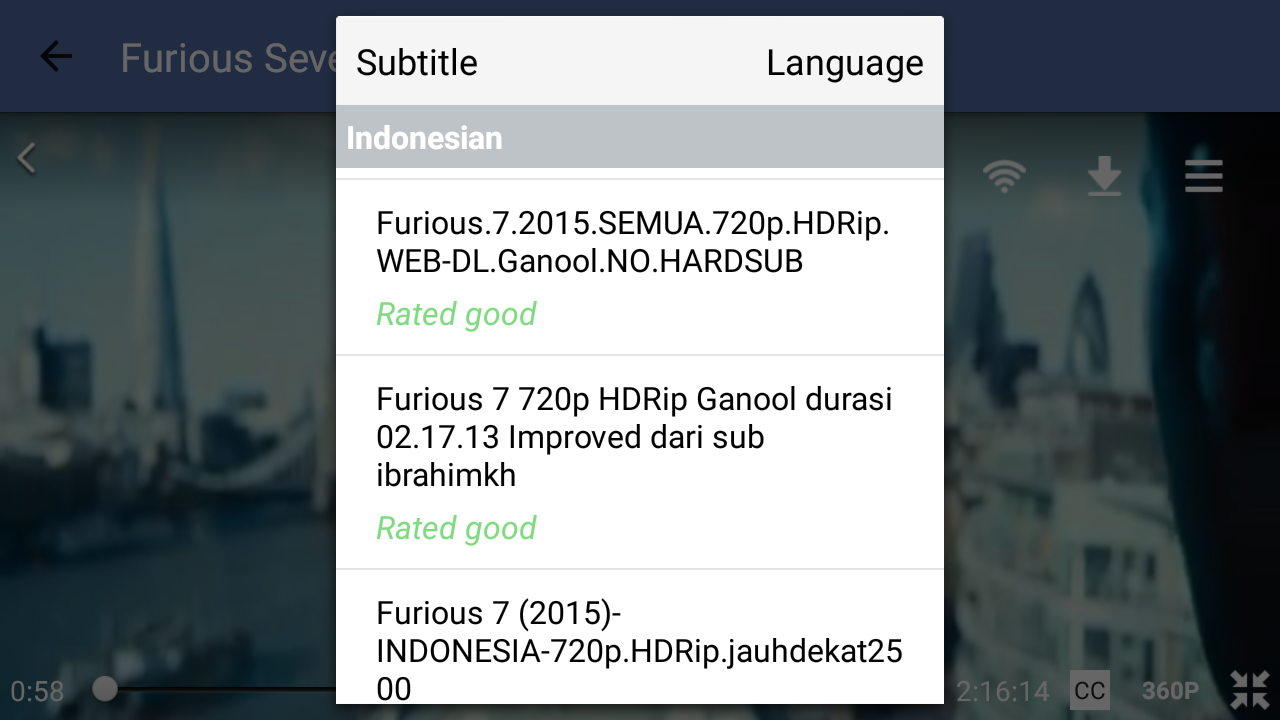
- Open CC

- Wait till Subtittle list appear
- Choose Subtittle as you want
- Enjoy!!


DJAKA HUMU :V t
it doesn't work like that anymore…when I hit the cc button then it shows various of languages and then when I choosed one it doesn't translate…#pleasehelp
it doesn't work like that anymore…when I hit the cc button then it shows various of languages and then when I choosed one it doesn't translate…#pleasehelp
Just wait,maybe it still download the subtittle or when apply it,it take a few second
Or the subtittle is broken,have you tryed other subtittle ?
Wow, What a Excellent post. I really found this to much informatics. It is what i was searching for.I would like to suggest you that please keep sharing such type of info.Thanks HDfilme
Thanks For sharing this Superb article.I use this Article to show my assignment in college.it is useful For me Great Work. nontonindoxx1